A label printer looks small until the whole job arrives beside it: a laptop, spare media, a cable, an order record and a parcel waiting to be checked. Treat the label corner as a short workflow rather than a place to park a machine. Its purpose is to connect the correct address and service to the correct finished package.
Begin with the system you already use to create labels. Confirm its current output formats, supported printer connections and any carrier-specific requirements. A printer that works neatly in a demonstration may still be awkward with your operating system, marketplace exports or available workspace.
Choose the printing method around the task
An existing inkjet or laser printer may be adequate for occasional dispatch if the labels it produces meet your carrier’s requirements. Consider the handling involved: loading suitable sheets, avoiding wasted positions and keeping print quality consistent. Check whether labels can be attached in the way your carrier specifies without covering or damaging important information.
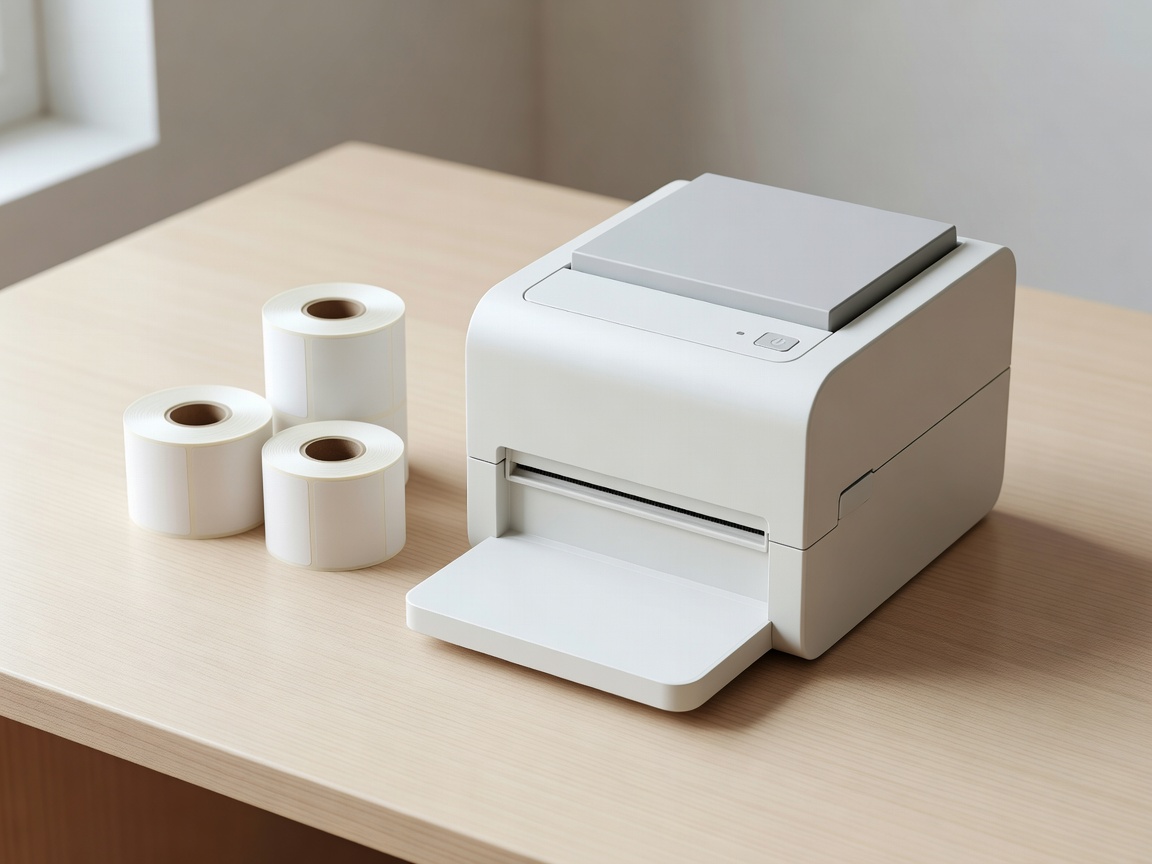
Direct thermal printers use compatible heat-sensitive media and do not use ink or toner for that process. Thermal transfer printers use a ribbon with suitable media. These are different systems, so do not assume supplies are interchangeable. Zebra, Brother, DYMO and Rollo publish model-specific documentation; check the exact model rather than generalising from the brand.
Some desktop shipping workflows use a 4 × 6 inch label format, but that is not a universal rule. Confirm the required size, printable area and accepted file format for each service you use. Before committing to equipment, test a real label file at the correct scale and check that no address lines or barcode elements are clipped.
Give the paper path breathing room
Leave enough space behind and in front of the printer for the media arrangement described in its manual. Fanfold labels and external rolls may need more room than the printer itself. Keep the feed away from hanging tape, loose paper and items that can pull the labels sideways.
Position the machine on a stable surface and keep ventilation openings clear. Route cables so that lifting a parcel cannot catch them. Use electrical equipment and power arrangements appropriate to your location, follow manufacturer instructions and ask a qualified professional when socket provision or wiring needs changing. Do not solve a layout problem with an unsafe chain of adapters.
Weigh the finished parcel
Choose a scale with a suitable capacity, platform and resolution for your actual parcels. A large box should not obscure the display or rest partly on the surrounding table. Put the scale on a stable, level surface and follow its instructions for setup, zeroing and verification.
Weigh the package after adding the box, protective material, tape and other contents. Measure the finished parcel as required by the carrier. Services may use dimensional or volumetric calculations as well as actual weight, and their rules can change. Check current instructions from Royal Mail, USPS, UPS, FedEx or DHL rather than treating a stored rate sheet as permanent.
Make mistakes visible before dispatch
Keep one clear checking position beside the printer. Compare the order, service and destination before attaching the label. For batch printing, maintain an unambiguous link between every label and its parcel; a loose stack of labels beside several similar cartons invites a mismatch.
When a print fails, control the replacement. Remove or destroy unusable duplicates containing address information, and confirm the shipment status in the system that created it. Do not assume reprinting, cancelling a label and refunding postage are the same action. Those functions depend on the provider and service.
Keep a small, useful tool set
Start with tools that match your packaging: a suitable tape dispenser, measuring tool, safe cutting equipment and any materials required for your product’s protection. Keep blades protected and follow their handling instructions. A tool that rolls under paper or lies hidden in a carton has not been stored safely.
Give spare labels a clean, dry location away from unsuitable heat or direct sunlight, following the media supplier’s storage guidance. Keep printer cleaning materials only if they are approved for your model. A maintenance note containing the model, media type and troubleshooting link can save a long search during a busy session.
Before buying
Confirm software compatibility, label dimensions, connection type, consumable availability and the full working footprint. A modest machine that fits the routine is more useful than a faster one that interrupts it.
Describe Your Equipment Corner